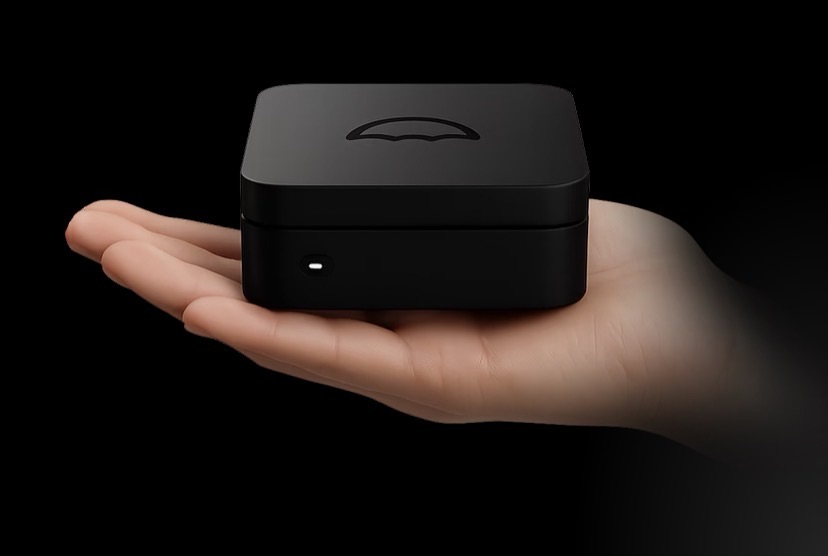
A detailed comparison of Umbrel’s two ready-to-use private cloud appliances.
In an era where digital privacy and data sovereignty matter more than ever, self-hosted solutions are gaining serious traction. Instead of storing photos, documents, and sensitive files with big tech companies like Google, Apple, or Dropbox, many users now prefer to run their own servers at home. Umbrel makes this accessible with its user-friendly umbrelOS and two polished hardware options: the compact Umbrel Home and the more powerful Umbrel Pro. Both are designed to simplify self-hosting—no advanced tech skills required.
This article breaks down the similarities and differences, examines the hardware specs, explores real-world use cases, and provides clear recommendations for different user types. The focus is on practicality, privacy, and long-term value.
What Is Umbrel?
Umbrel is more than just hardware—it’s a complete ecosystem for self-hosting. At its core is umbrelOS, a Debian-based operating system with a sleek, browser-based interface. You don’t need a keyboard or monitor; everything is controlled from your phone, tablet, or computer on the same network. Setup typically takes just a few minutes: plug in power and Ethernet, then access umbrel.local in your browser.

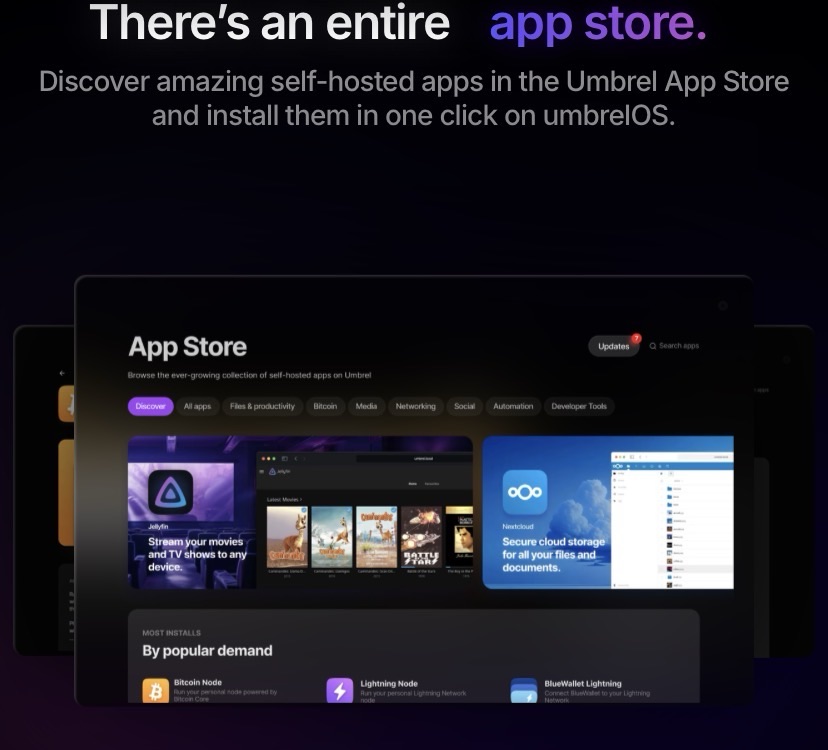
The highlight is the built-in App Store with over 200 one-click apps. Popular options include Nextcloud (your own Dropbox/Google Drive), Plex or Jellyfin for media streaming, Home Assistant for smart home control, Pi-hole for network-wide ad blocking, and full Bitcoin/Lightning nodes. Newer additions feature local AI tools like Ollama for running large language models privately. All apps run in isolated containers for maximum stability.
Umbrel appeals to anyone seeking true digital independence. You save money long-term by avoiding cloud subscriptions while keeping full control of your data—no third-party tracking, surprise price hikes, or risk of services being shut down or hacked.
Shared Features of Umbrel Home and Pro
Both devices run the same umbrelOS, so you get identical software features, the same App Store, user interface, backups, and updates. WiFi, Bluetooth, and HDMI are supported on both. Power consumption is very low in idle mode, making them ideal for 24/7 operation.
Privacy is a top priority: your data never leaves your home. Backups can be made to USB drives, other NAS systems, or even a second Umbrel device. The active community offers forums, Discord support, and official channels. Hardware buyers receive prioritized support and optimized drivers not always available in DIY setups.
Both are true plug-and-play solutions aimed at beginners and experienced users alike. Even if you’ve tinkered with a Raspberry Pi before, these pre-built devices feel like a major upgrade in convenience. The software automatically detects new storage, and both units are quiet, compact, and stylish enough for living rooms or offices.
Bottom line: The core self-hosting experience is nearly identical. The real differences come down to hardware power, storage capacity, and future-proofing.
Technical Specifications Compared
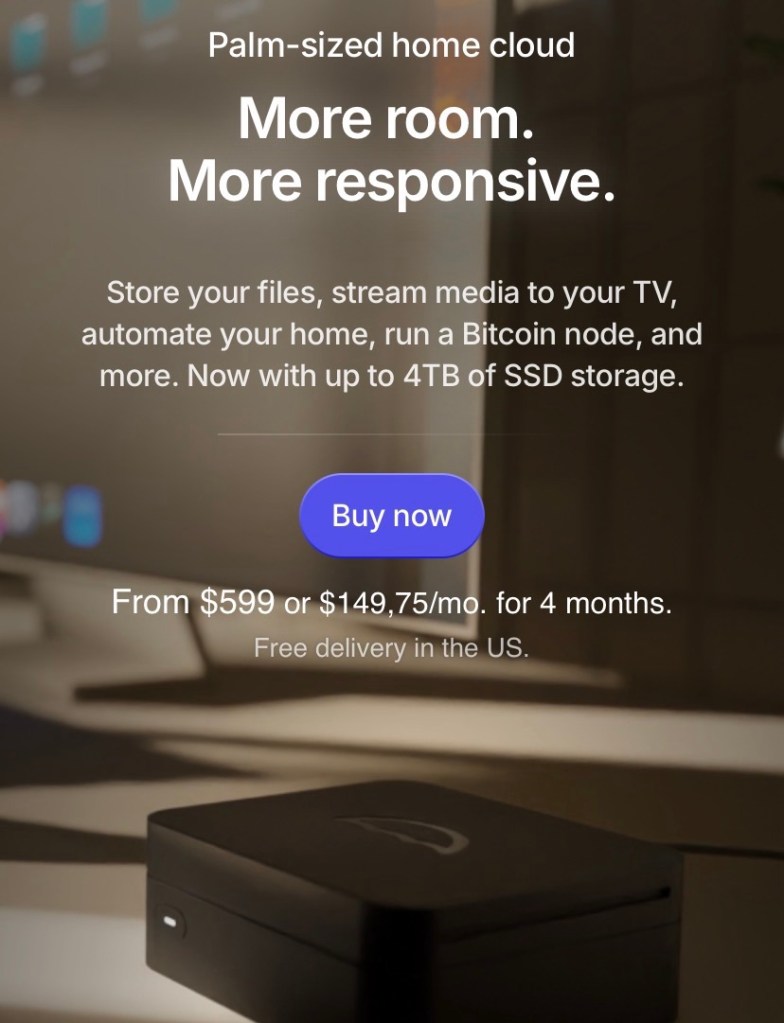
Umbrel Home is the entry-level model—palm-sized, energy-efficient, and perfect for most home users. It features an Intel N150 quad-core processor (up to 3.6 GHz), 16 GB LPDDR5 RAM, and a single NVMe SSD slot (available in 512 GB to 4 TB configurations). It includes Gigabit Ethernet and three USB 3.0 ports. Cooling is active but very quiet, with a low ~6W TDP. Its tiny footprint makes it incredibly versatile.
👉 Get an Umbrel Home directly from Umbrel
Umbrel Pro is the premium option for demanding users. It packs a more powerful Intel Core i3-N300 (8 cores, up to 3.8 GHz), also with 16 GB RAM, but stands out with four M.2 NVMe slots supporting up to 32 TB total storage. You also get 2.5 GbE Ethernet, faster USB 3.2 ports (up to 10 Gbit/s), and improved WiFi 6. The CPU remains efficient at ~7W TDP. The chassis is premium CNC-machined aluminum with real American walnut accents. A magnetic lid allows tool-free SSD swaps, and it includes advanced cooling plus FailSafe features for better redundancy.
👉 Get an Umbrel Pro directly from Umbrel
In short: The Home is compact and affordable; the Pro delivers significantly more power, storage, and expandability. While the Home handles everyday tasks well, the Pro excels with heavy multitasking, large media libraries, or resource-intensive apps.
Real-World Use Cases
Both devices shine for classic self-hosting needs. Nextcloud gives you a private cloud for files, photos, calendars, and contacts. Apps like Immich replace Google Photos. Plex or Jellyfin turn your media collection into a personal Netflix with full 4K support—no subscriptions required.
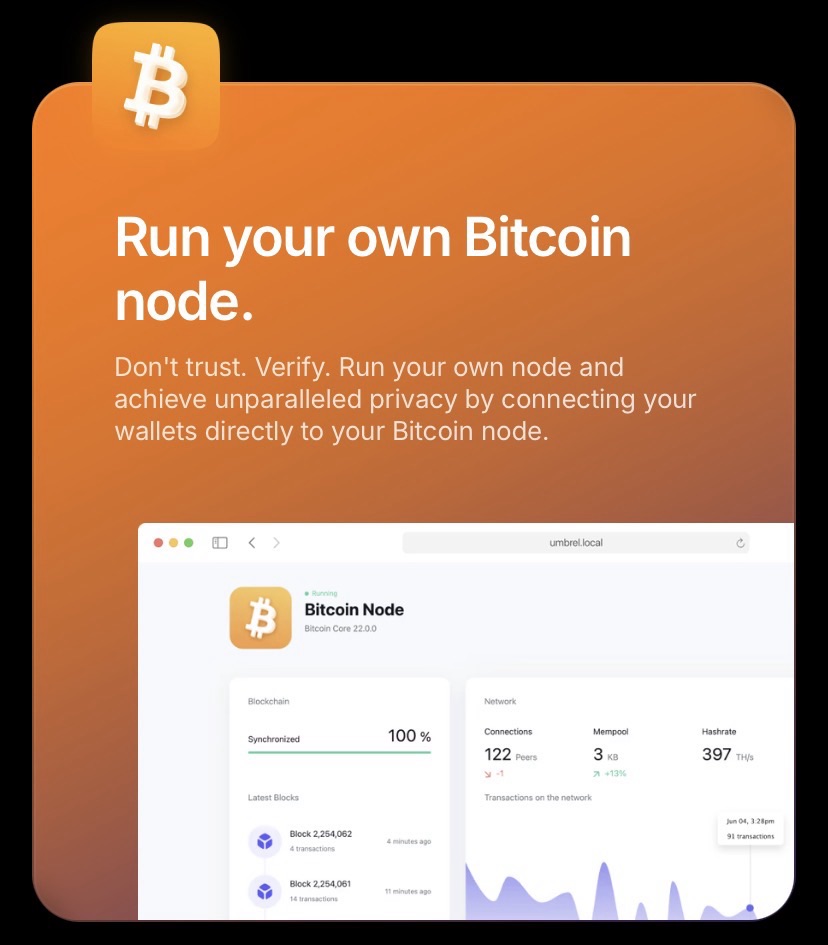
Bitcoin enthusiasts can run a complete node for self-verified transactions and Lightning channels. The Pro syncs the blockchain faster thanks to superior CPU and storage. Home Assistant runs reliably on both for smart home automation.
The Pro pulls ahead for storage-heavy or performance-intensive workloads. Users with massive photo/video libraries, local AI models (Ollama, etc.), or plans for future growth benefit greatly from the four SSD slots and redundancy. FailSafe protection guards against drive failures—unlike the Home’s single SSD.
For a typical family, the Home is usually sufficient for photos, documents, and light streaming. The Pro becomes a true replacement for professional cloud storage or small office setups, with faster file transfers via 2.5 GbE.
Which Device Is Right for You?
Umbrel Home — Best for beginners and everyday users.
If you’re new to self-hosting, on a budget, or just need a reliable device for standard tasks, choose the Home. It’s significantly more affordable (starting around $549 depending on config), compact, and covers 80–90% of typical needs. Ideal for individuals or families wanting to back up photos, run a few apps, and maybe operate a Bitcoin node.
Umbrel Pro — Best for power users, large families, or small businesses.
If you already have (or anticipate) large data volumes, want redundancy, or plan to run demanding apps and AI tools, the Pro is the better long-term investment. Its higher performance, massive storage scalability, and premium build justify the extra cost (starting around $699 without drives). The tool-free expandability and design make it a joy to own.
There’s flexibility: You can start with the Home and upgrade to the Pro later—the software supports smooth migrations.
Price, Support, and Longevity
The Home offers better value for most people, while the Pro is positioned as a premium, future-proof choice. Both include a one-year warranty and prioritized support for hardware owners. Maintenance is minimal thanks to automatic updates. For critical data, the Pro’s built-in redundancy is a major advantage over relying on external USB backups with the Home.
Final Verdict
Umbrel Home and Pro both deliver on the promise of simple, private, and powerful self-hosting. The Home impresses with its compact size, low price, and solid performance for typical users. The Pro stands out with enormous storage potential, higher power, better expandability, and advanced features like drive redundancy.
Before buying, ask yourself: How much storage do I need now and in the future? What apps will I run simultaneously? Am I planning to grow my setup? For most home users, the Home provides excellent value. If you want to securely manage your entire digital life—from thousands of photos and 4K videos to local AI experiments—the Pro is worth the investment.
Both devices are fun to use and deliver a genuine sense of freedom. Instead of paying rent to cloud providers, you truly own your data. The setup is so straightforward that you’ll quickly discover which model fits your lifestyle. Whichever you choose, Umbrel is a big step toward real digital independence.
Recommended reading in our blog
- The 10 best crypto hardware wallets in 2026
- The XRP Alliance Has Launched: D’CENT Unites the Entire XRPL Ecosystem in One Secure Biometric Wallet
- What is SoloSatoshi?
rendite.cloud – your finance blog
Affiliate Links. If you purchase one of the products we might receive a commission.


Hinterlasse einen Kommentar