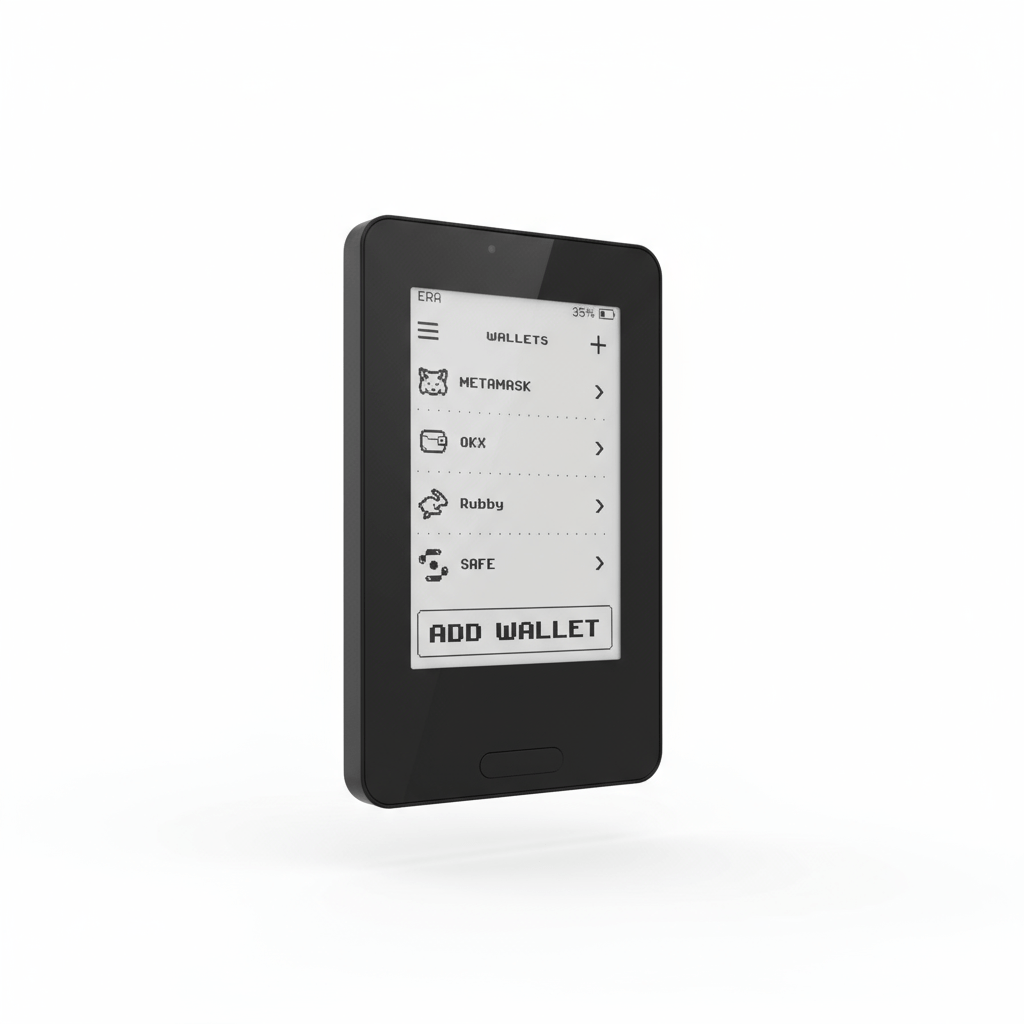
Everything you need to know about the ERA crypto hardware wallet – its security, features, and everyday user experience.
When I first held the ERA hardware wallet in my hands a few weeks ago, I was skeptical. The cold wallet market has long been crowded, and plenty of devices talk a big game about security only to make everyday compromises. The longer I spent with the ERA, though, the clearer it became that someone had genuinely tried to tackle some of the most stubborn shortcomings of existing solutions. What follows is a summary of my experiences – straightforward, but from the viewpoint of someone who’s already tried several hardware wallets and prioritizes transparent, understandable security.
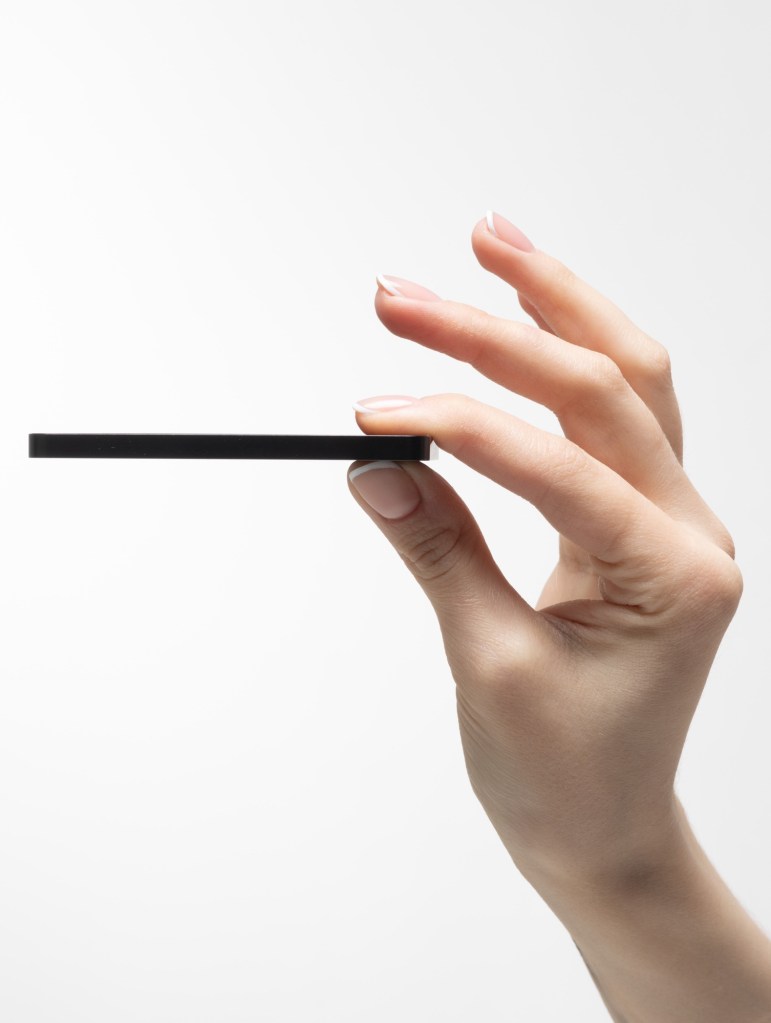
The device arrives in a simple yet premium-feeling package. Inside you’ll find the ERA wallet itself, three NFC recovery cards, a magnetic wireless charger, and a short quick-start guide. Everything feels deliberate and tidy. The cards are roughly the size of a standard bank card, and the wallet itself matches credit-card dimensions: about 54 by 87 millimeters, just 5.5 millimeters thick, and weighing around 45 grams. The aluminum frame and Gorilla Glass 6 display immediately convey a solid, high-quality build. I didn’t put it through extreme durability tests, but the IP67 rating and the way it feels in the hand suggest it handles everyday stresses like moisture or light knocks better than many competing products.
Setup proved surprisingly straightforward for me. After unpacking, I placed the wallet on the included wireless charger and waited until it had enough power. Then I installed the official companion app on my phone and followed the prompts on the e-ink display. You start by setting a device PIN, followed by an authenticity check via QR codes that you scan with the app. This verifies that both the hardware and firmware are unaltered. Firmware updates also happen over NFC and are cryptographically verified on the device itself. The whole process felt calm and transparent – no hidden steps, no forced registration. Within a few minutes the device was ready to create the first wallet. I particularly appreciated being able to tap info icons at any point for explanations of each step. It lowers the barrier to entry noticeably without making you feel talked down to.
Seed-phrase generation and backup reveal one of the ERA’s more interesting quirks. The device gathers entropy from five sources: touchscreen interactions, motion sensors while shaking, camera data, a true random number generator inside the secure element, and another in the microcontroller. During creation it actively prompts the user to feed these sources and monitors the quality of the randomness. Once the seed is generated, backup happens primarily via the three included NFC recovery cards. These are encrypted, PIN-protected, and claimed by the manufacturer to last over 50 years – waterproof, dustproof, and shock-resistant. You simply hold a card against the device, set a PIN, and store the data. Optionally you can still write down and verify a classic paper seed phrase. Advanced users also get multishare options similar to Shamir’s Secret Sharing. In my testing, writing and later restoring the cards worked smoothly. I’ll admit that at first it felt a bit unusual not having a pure paper solution as the default, but after a short while the NFC cards struck me as practical and far more durable. Seed isolation is preserved: each of the up to ten wallets the device can hold has its own independent seed phrase.
Security is clearly the central focus of the ERA. The device is fully air-gapped – no USB, Bluetooth, or Wi-Fi is used for signing. Communication with software wallets happens exclusively via QR codes following the open EIP-4527 standard, meaning you can theoretically verify the transmitted data yourself. Inside, an ATECC608C secure element works alongside an STM32H7 processor. The device underwent an independent audit by Keylabs; the report is publicly available and lists no critical vulnerabilities. Especially noteworthy is the ERA Lens feature: before you sign a transaction, the device decodes the calldata offline and displays in plain language which function is being called, along with the amounts and addresses involved. If a transaction cannot be decoded, the system warns you and blocks the signing process. In my tests with DeFi interactions – swaps and approvals, for example – this worked reliably and gave me a markedly better sense of control than wallets that only show hex data or rely on registry-dependent clear-signing solutions. The ability to run up to ten completely separate wallets on one device further reduces the risk that a single compromised seed puts all assets at risk. Personally, I found this combination of physical isolation, transparent random generation, and readable transaction display to be well thought out and coherent.
Functionally, the ERA offers more than just signing. You can manage multiple wallets in parallel, each with its own name, icon, and optional passphrase, and link them individually to software wallets such as BlueWallet, Sparrow, MetaMask, Rabby, OKX, or Solflare. QR code scanning is quick thanks to the fast camera (rated at 120 ms recognition). Firmware updates and recovery-card management are handled through the device and companion app. Navigation uses the touch display with swipe gestures. I especially liked how power-efficient the device is in standby – according to the manufacturer it can last up to a year in storage mode or several months in standby. In practice I barely charged it for weeks and could still sign whenever needed.
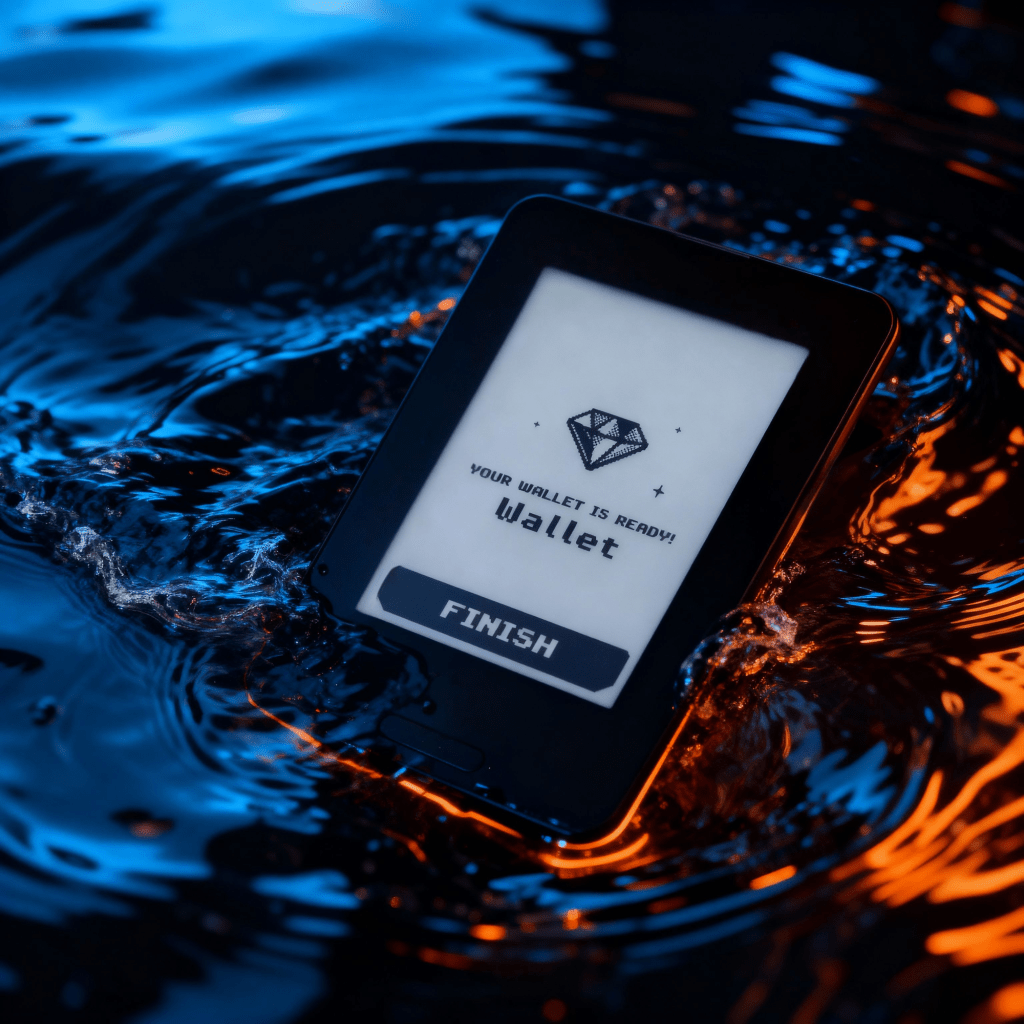
In terms of design and user experience, the ERA impresses with its compactness and e-ink technology. The 2.7-inch display with front light remains easy to read in any lighting and consumes little power. The Gorilla Glass 6 surface feels premium and resists scratches. The whole device slips discreetly into a wallet or pocket without drawing attention. Operation is cleanly structured and the menus feel uncluttered. In dark environments the front light helps, and the touch input is precise enough for PIN entry and transaction confirmation. One minor drawback is that you have to get used to the QR-based workflow – anyone accustomed to USB devices may need a moment. After a few transactions, however, I found the process calm and secure. Multilingual support (including German) further eases the learning curve.
Coin and network support for the ERA wallet has become quite broad by now. Beyond Bitcoin and Ethereum – including numerous EVM Layer-2 networks such as Arbitrum, Base, or Polygon – it also covers Solana, Tron, BNB Chain, and others. Firmware updates have expanded the range to include Bitcoin-like coins such as Litecoin, Dogecoin, Dash, and Bitcoin Cash, plus Cardano, XRP, TON, Sui, and the entire Cosmos ecosystem. On the supported networks you can sign the corresponding tokens (ERC-20, TRC-20, SPL, etc.). ERA Lens performs offline decoding on the major chains. Integration happens through compatible software wallets; the device itself never stores private keys outside the secure element and only provides the signatures. In my tests with Bitcoin, Ethereum, and Solana the process ran stably.
Particularly interesting for Bitcoin maximalists is the Bitcoin-only mode. Via the companion app you can install a dedicated firmware that contains exclusively Bitcoin code. This removes all altcoin code, shrinks the attack surface, and makes the interface even leaner. ERA Lens continues to work for Bitcoin transactions, and the recovery cards remain fully functional. You can switch back to multichain mode whenever you like. For me this mode was a welcome option because it aligns with the philosophy of many Bitcoin users without requiring a separate device.
After several weeks of intensive use, I have a clear picture. The ERA hardware wallet is neither a pure beginner product nor an exclusive expert tool. With its air-gapped QR communication, offline decoding via ERA Lens, and NFC backups, it addresses real weaknesses that still exist in many established devices. Build quality is high, setup is transparent, and daily use feels calm. Of course, it remains to be seen how firmware support and the community will develop long-term, and the reliance on QR codes may not suit everyone. Still, I recommend the ERA hardware wallet to anyone who values genuine isolation, readable transactions, and flexible multi-wallet management – especially if DeFi or asset separation matter to you. For pure Bitcoin holders, the dedicated mode is a strong addition.
Anyone deciding on the device can save ten percent in the official ERA shop with the code FPORTAL10.
Note: until August 31 you can enjoy a 20% discount if you use FPORTAL20 🤗
Read more about ERA
rendite.cloud – your finance blog
Affiliate Links. If you purchase one of the products we might receive a commission


Hinterlasse einen Kommentar